

What's New in Aquatechy
The day doesn't stop at the last pool. There's still the route, the cloudy spa call, the invoice you never sent, and the tech who needs to be on the books by Monday. That used to mean waiting until you got back to a computer. Not anymore.
Office, on the phone
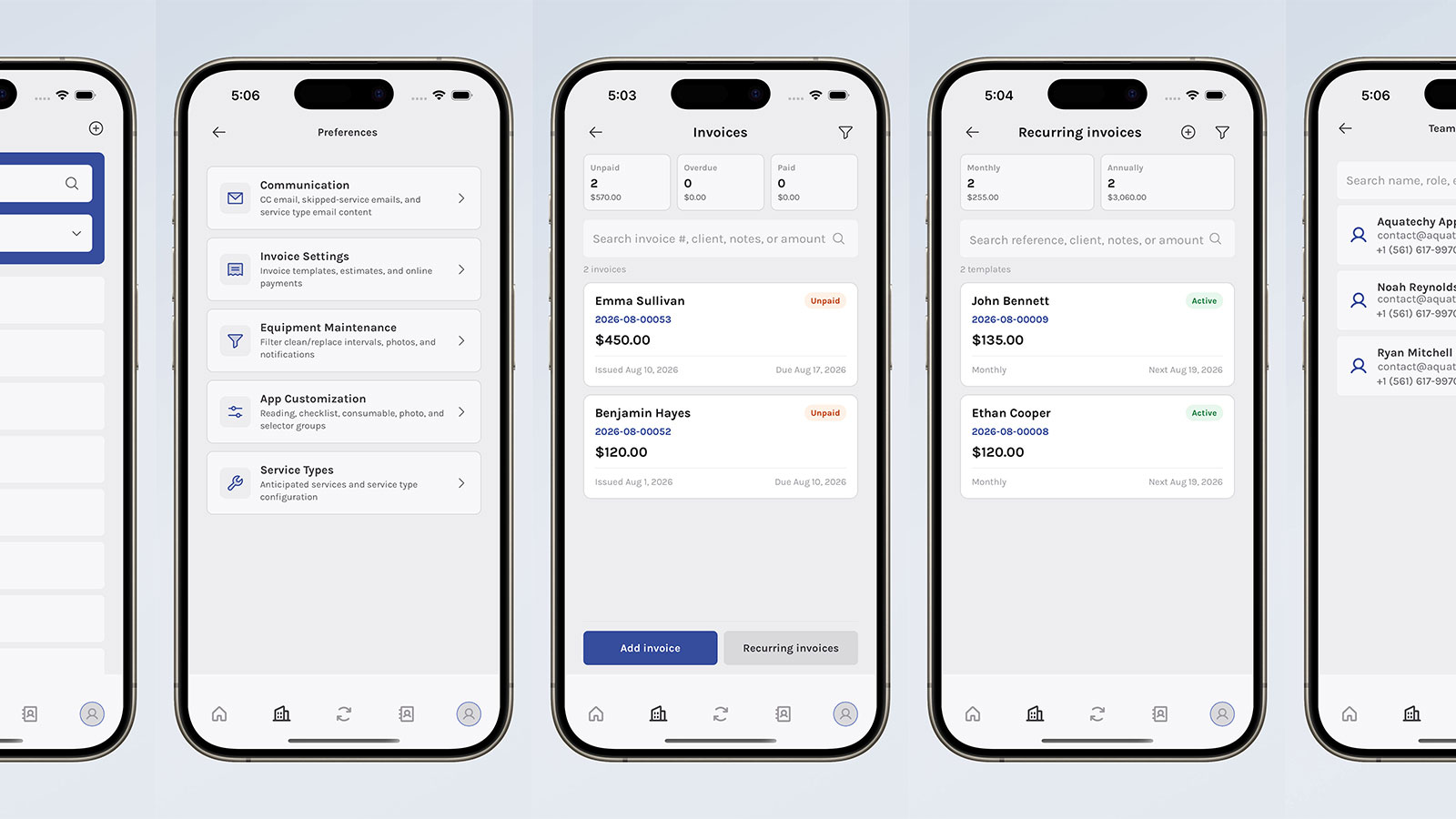
App 1.1.5 has an office hub. Schedule, clients, requests, and work orders live in one place.
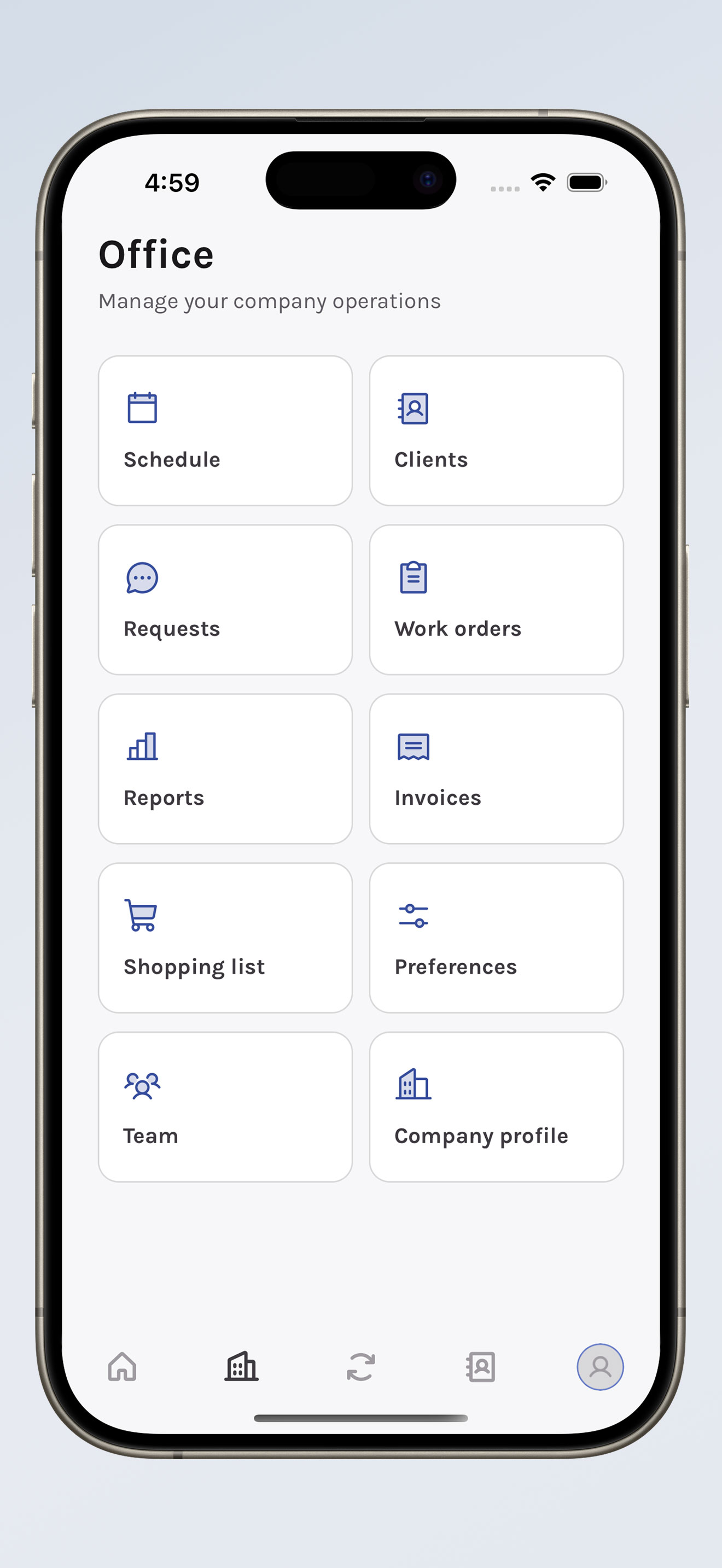
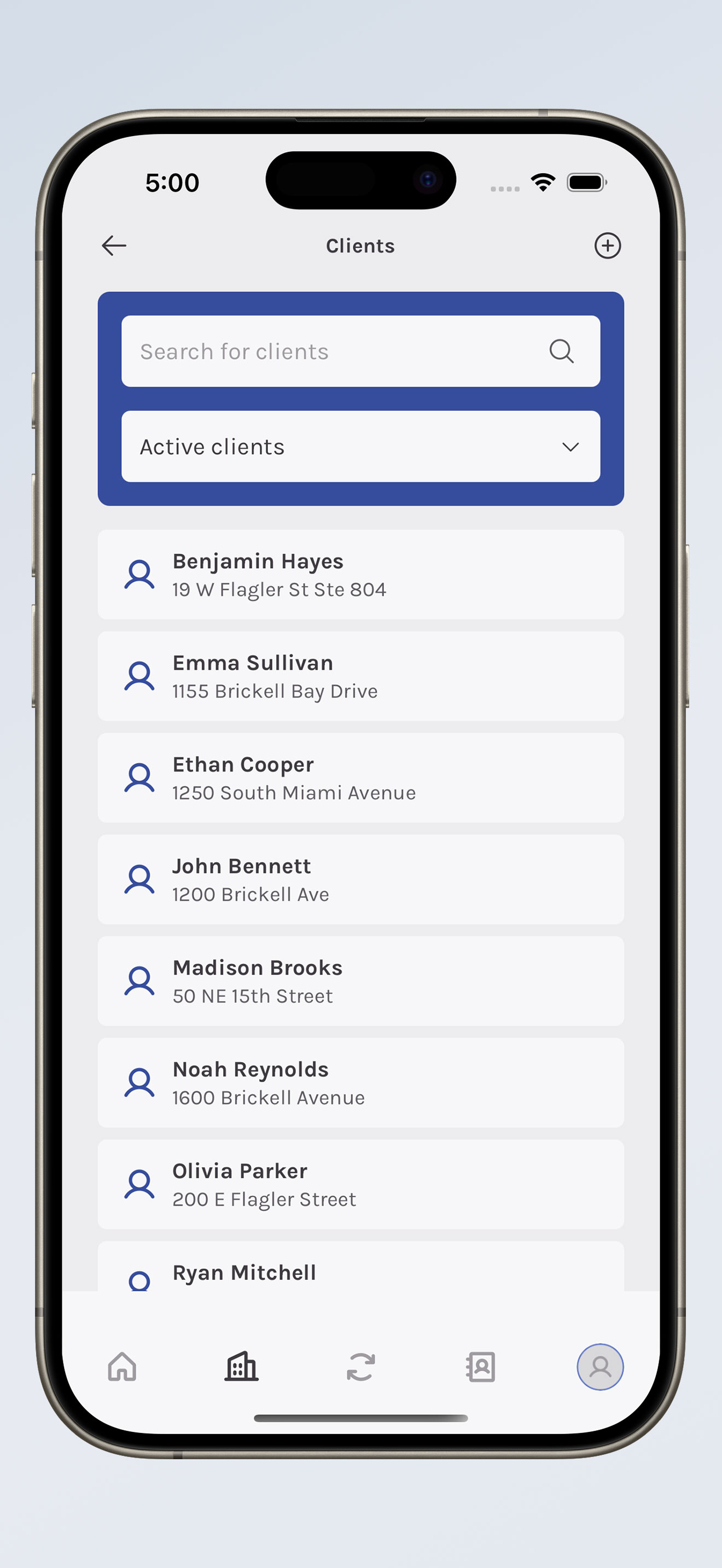
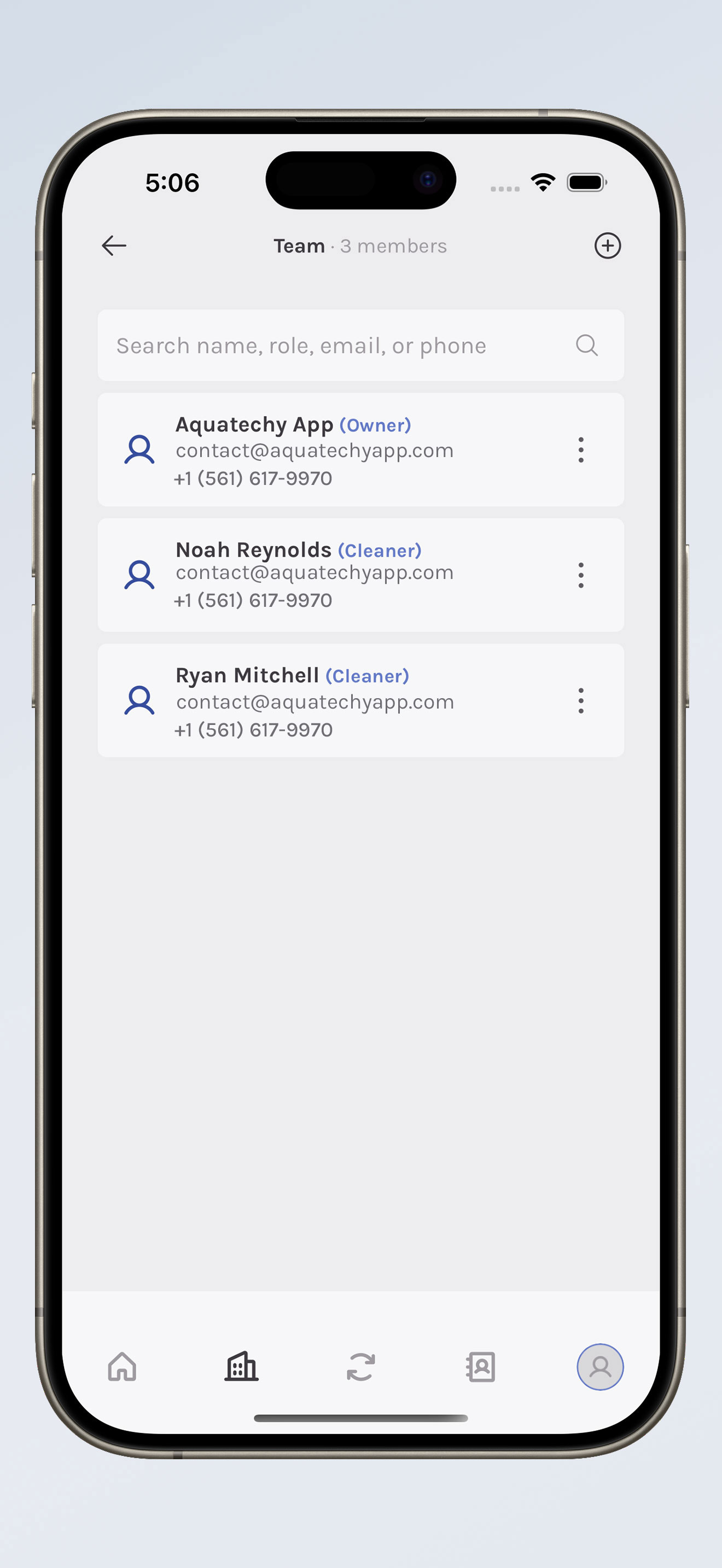
Pull up a customer and their pool without hopping to the desktop. Handle the company profile and the team from there too—including adding a new guy when you finally hire one.
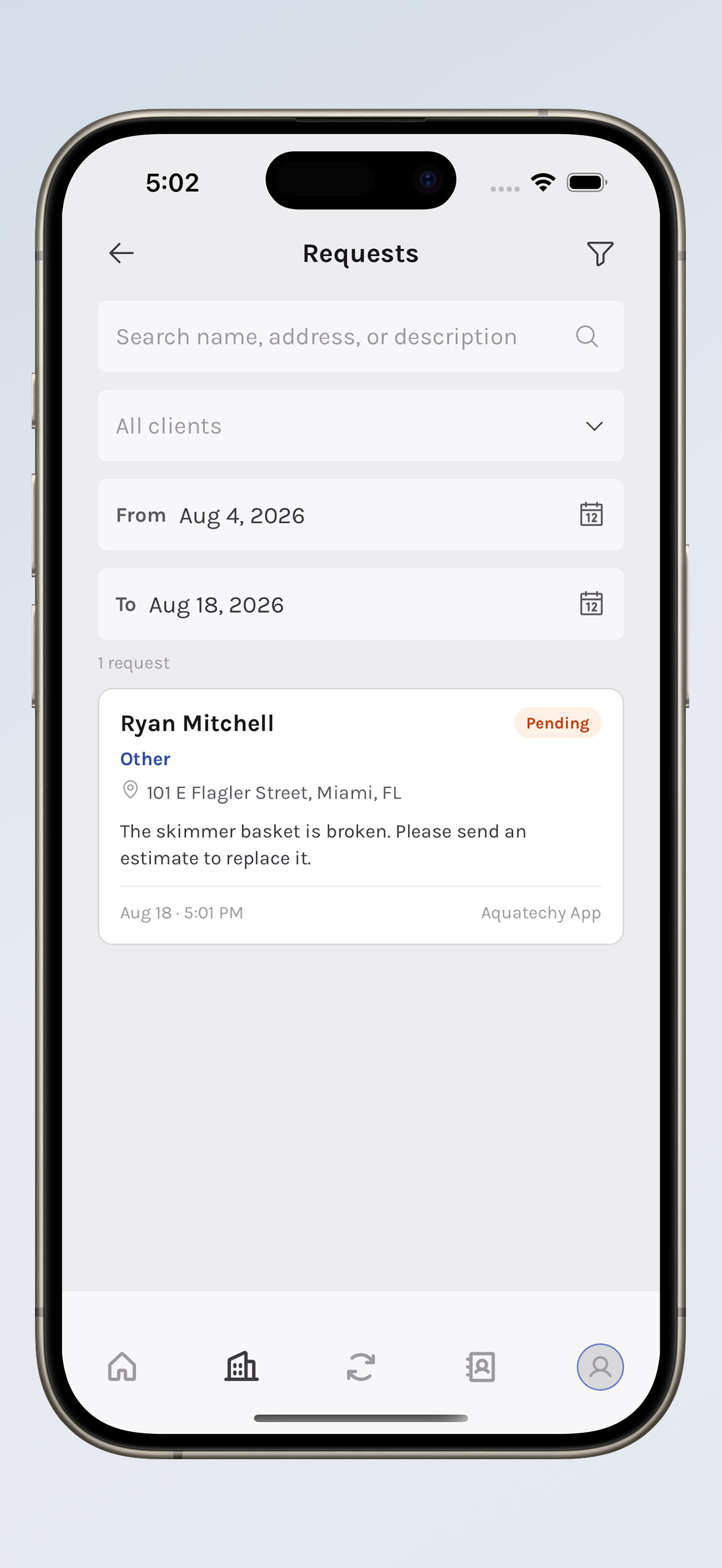
Requests
A tech reports an issue from the field—broken skimmer, cloudy spa, whatever they find. The company sees it in the app, updates it, and can text the customer with the photos from the report. No waiting until you're back at the desk.
Invoices
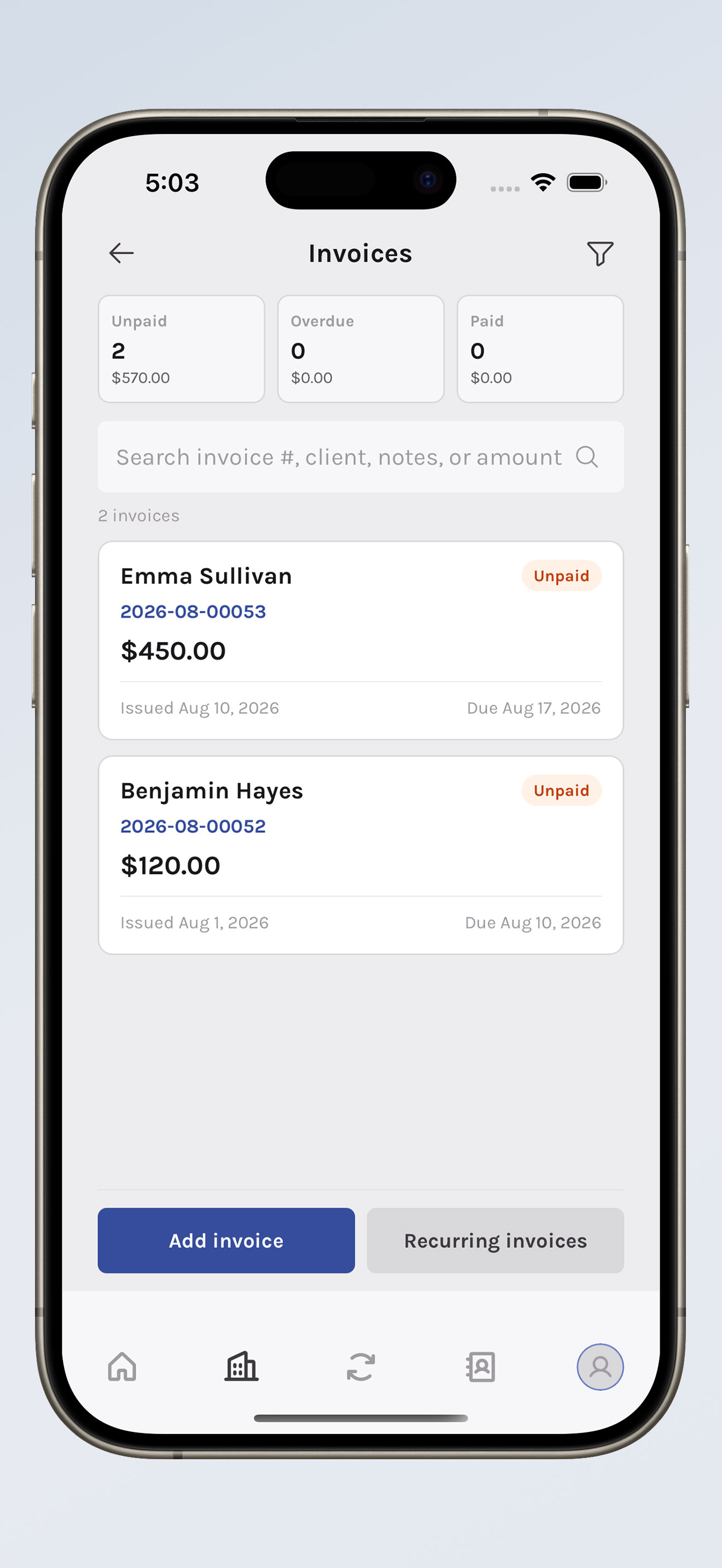
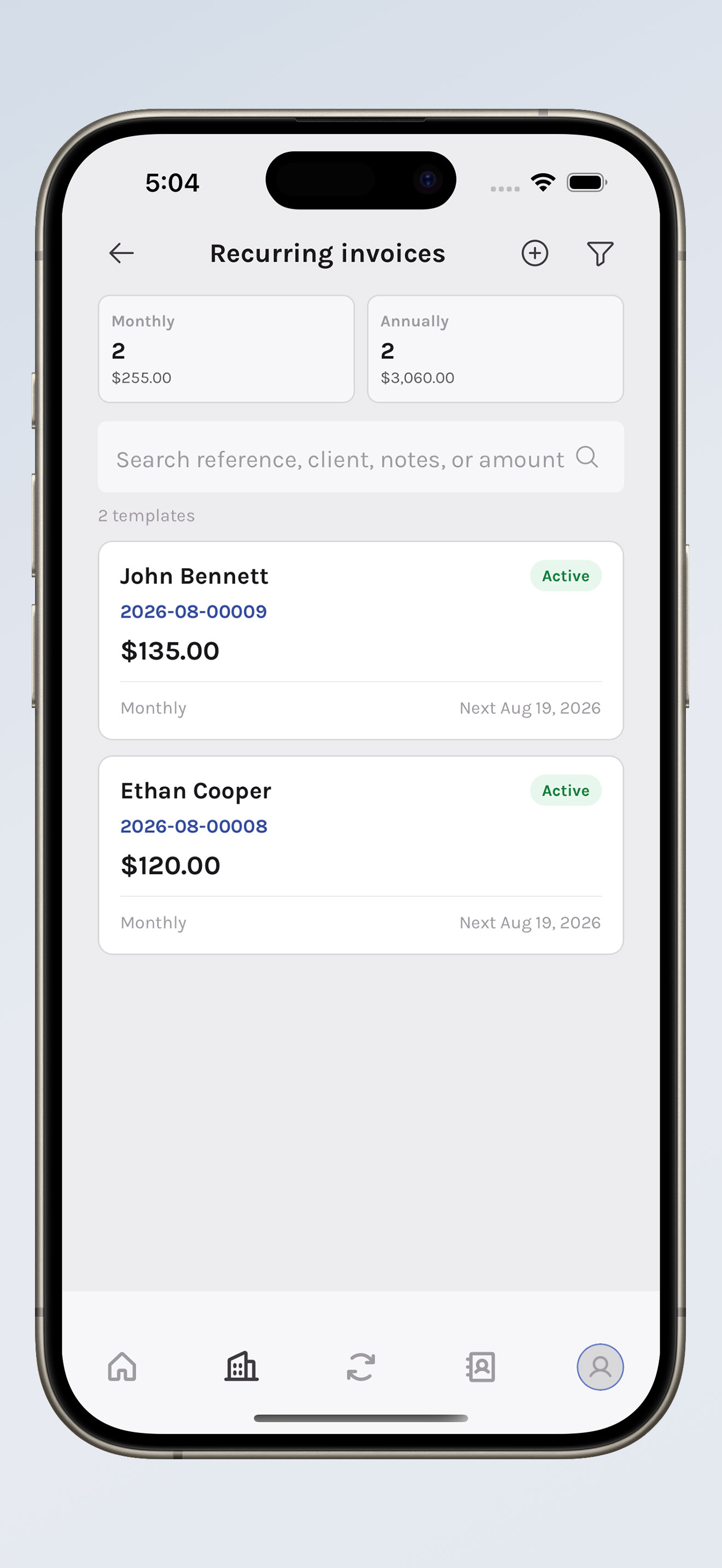
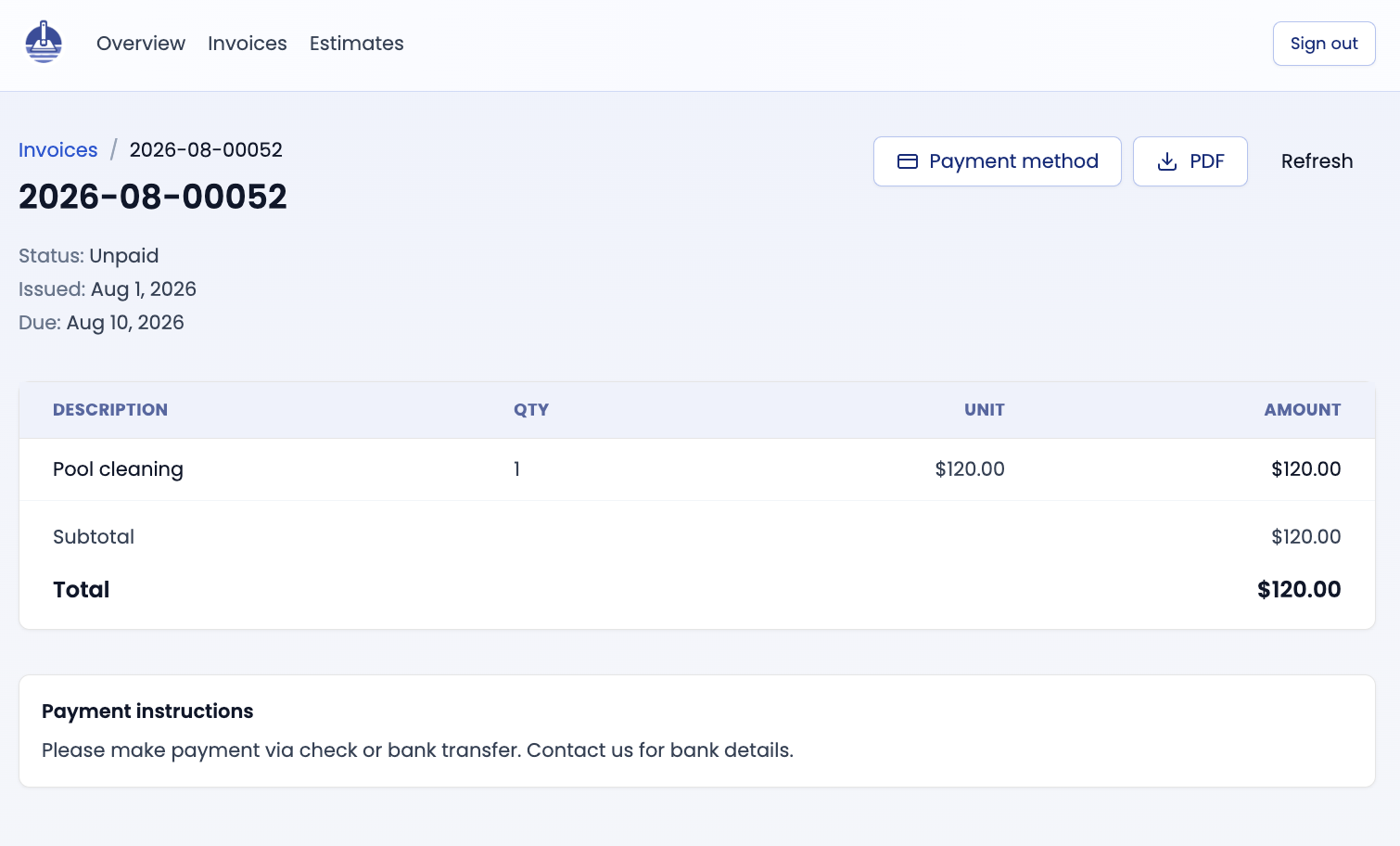
Write an invoice or set up a recurring one. See what's paid, what's hanging, and what's overdue. Send a reminder. Grab a PDF. You don't have to wait for a laptop to chase money.
Company setup
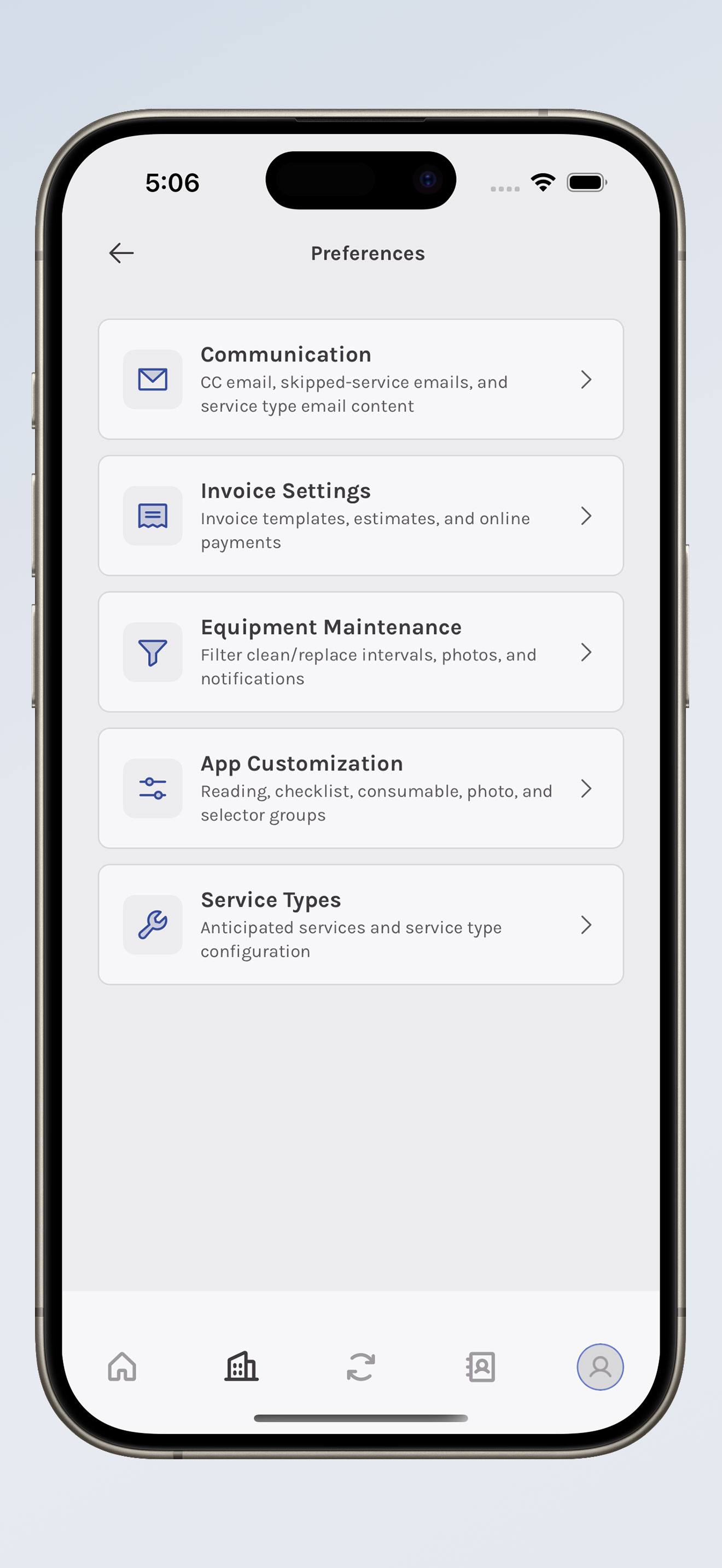
Service types, checklists, photos, readings, and chemicals can be set the way your routes actually run. Communication, equipment, and invoice settings follow the company—not a one-size-fits-all template. Added a stop by mistake? Delete the visit or the route from office service details. Forms and notifications in Office are cleaner too.
That's the phone. The web dashboard picked up new tools for the desk side of the job.
Shopping list
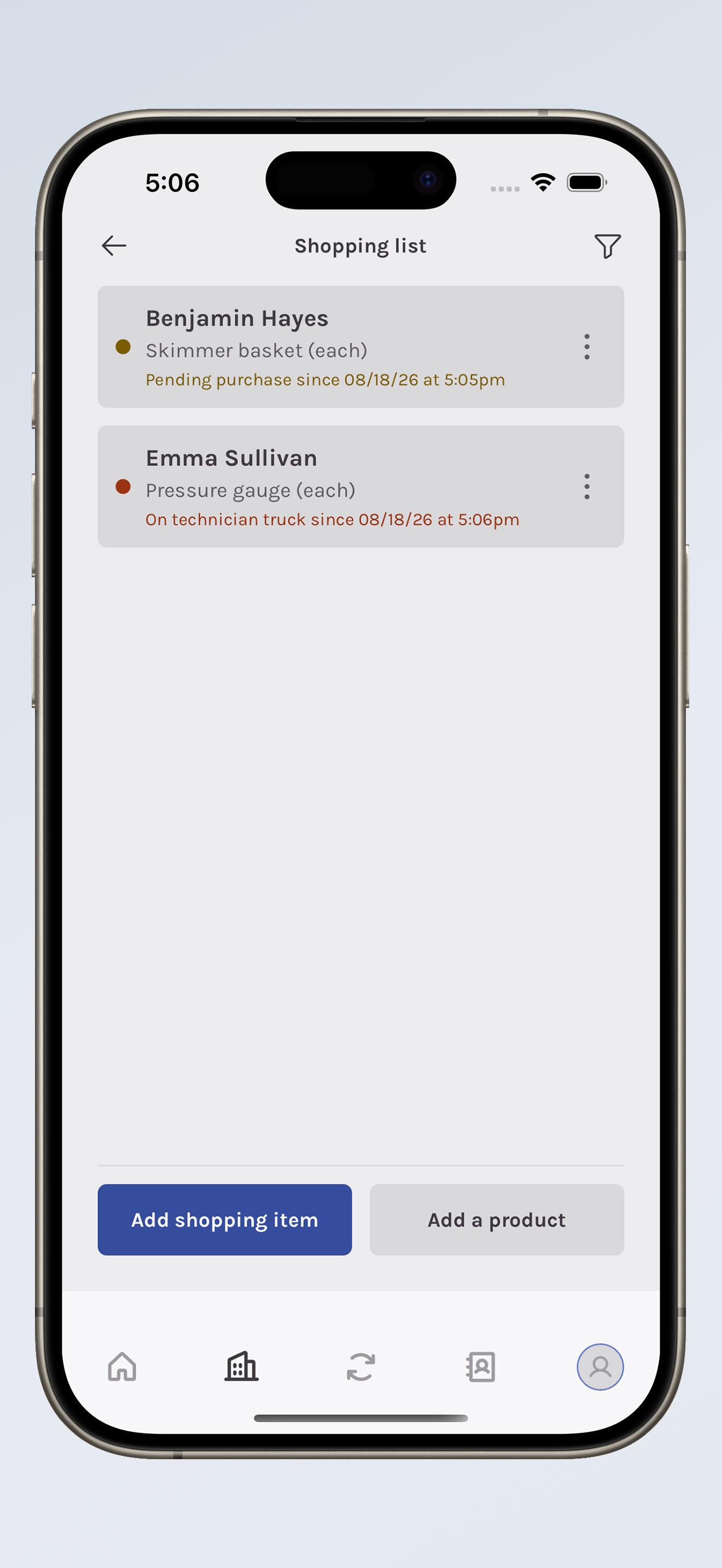
Keep a catalog of products, tie items to a client and a pool, and follow them from the store run through install. No more guessing what you put at the Johnsons last spring.
Estimates
Estimates now show in the client portal. The homeowner can open it, look it over, and accept or decline. After a service, text them a link to the full report. Want that coming from your own number? Quo and Twilio are an option.
Getting paid
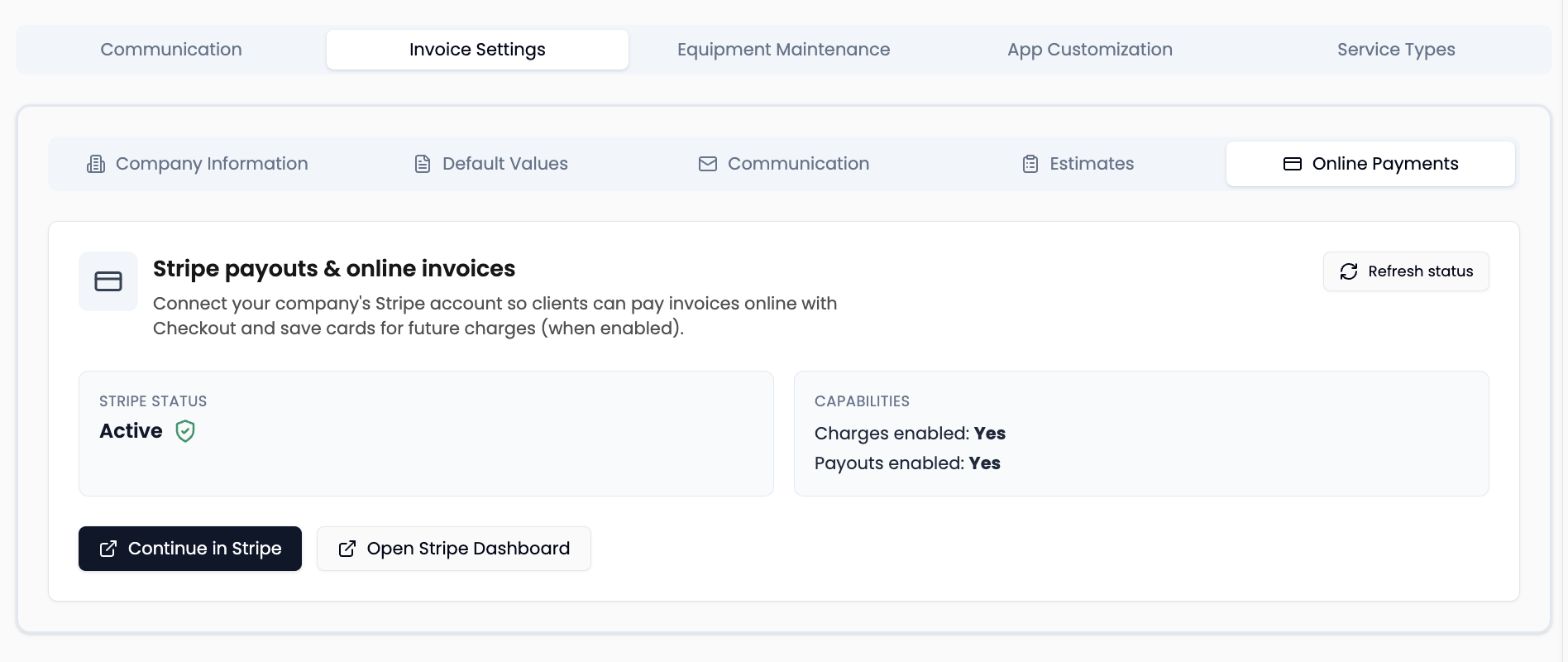
Stripe handles invoice checkout and cards on file. The customer can settle up without you waiting on a check.
There's also an AI chat in beta. Ask it about invoices, routes, clients, and services. It looks things up. It doesn't change anything.
None of this replaces knowing a pool. It keeps the office from eating the whole evening after a full route. Update the app, poke around the dashboard, and if something feels off, tell us.