Opening an account is quick. You'll register once, confirm your email, and then you're in. The same login can grow with you: you might join someone else's company as part of their team, or build your own company, route jobs to yourself, and bring technicians on board when you're ready. One user is enough to begin—the rest is how you set things up later.
Sign up
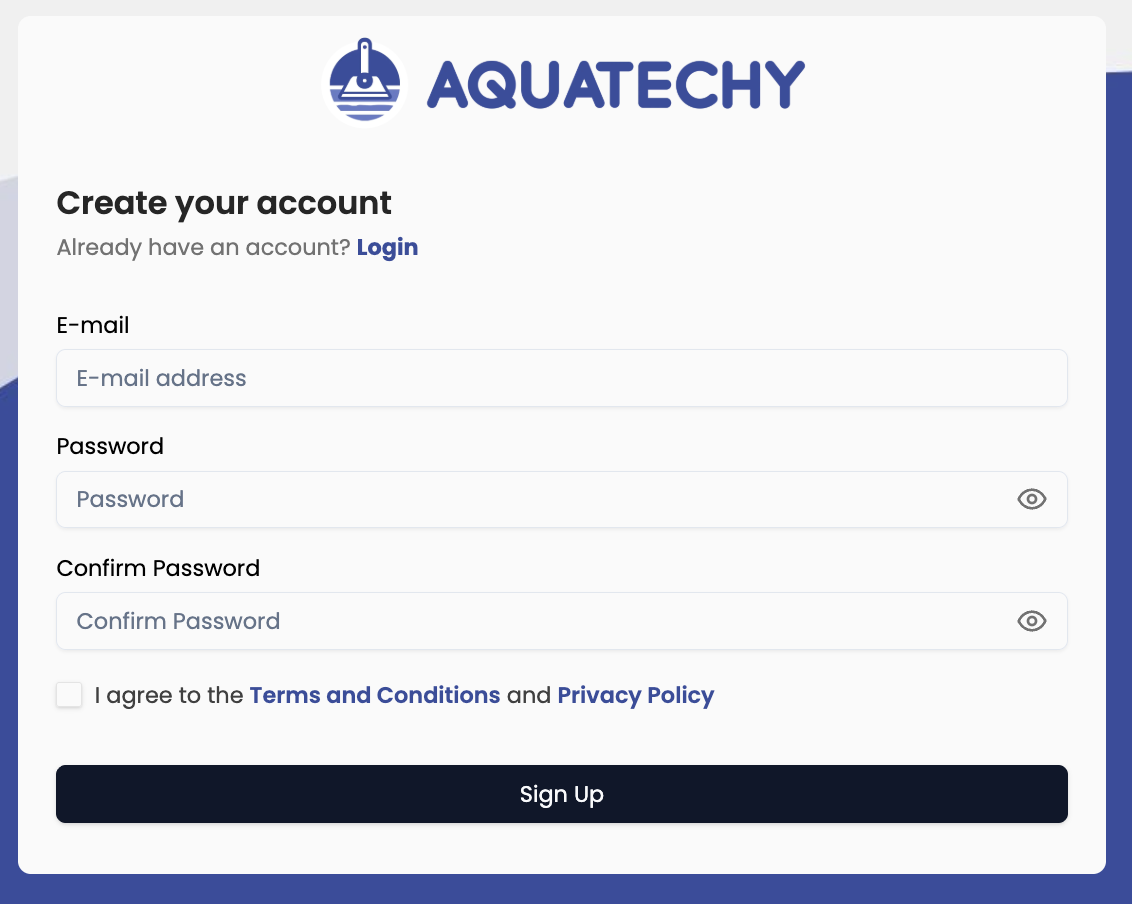
Head to Sign up page on the Aquatechy web app. If you're already on the login screen, the Sign Up link sits next to Don't you have an account? The page opens with Create your account at the top, and a shortcut back if you're returning: Already have an account? Login.
The form starts with E-mail (E-mail address in the field)—use something you can open right away, since activation lands there.
Add your Password and Confirm Password; they need to match, and the password should be at least eight characters.
Tick the box for the Terms and Conditions and Privacy Policy when you're ready. Then press Sign Up.
When it works, a Success message nudges you to check your inbox (and spam) for the link. Go to Login takes you forward when you're done reading—that's normal; you're not fully in until the email confirms.
Confirm and log in
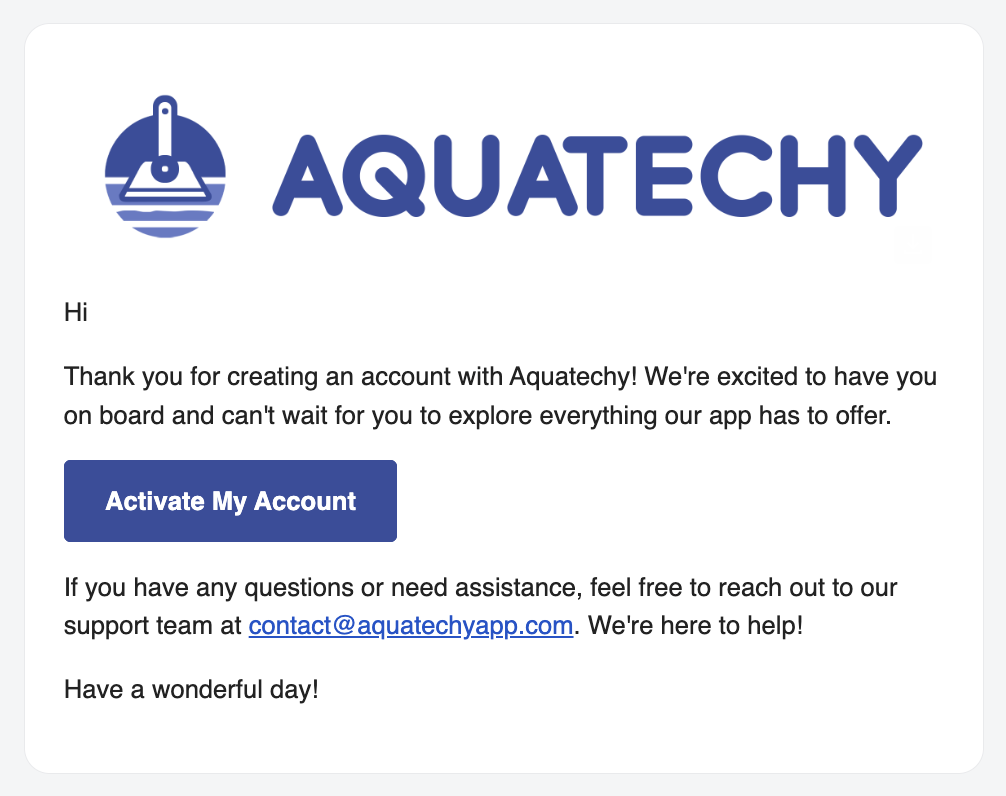
Aquatechy sends a confirmation email—open it and follow the link. You'll briefly see Confirming E-mail and You'll be redirect soon while things finish; after that you can sign in.
On Login, enter the same E-mail and Password you chose, then tap Login. If you tried signing in before the link finished its job, Account Not Activated might show up—Resend Activation Email is there if the first message went missing.